

Consent management
Everyone in your library, not just every file
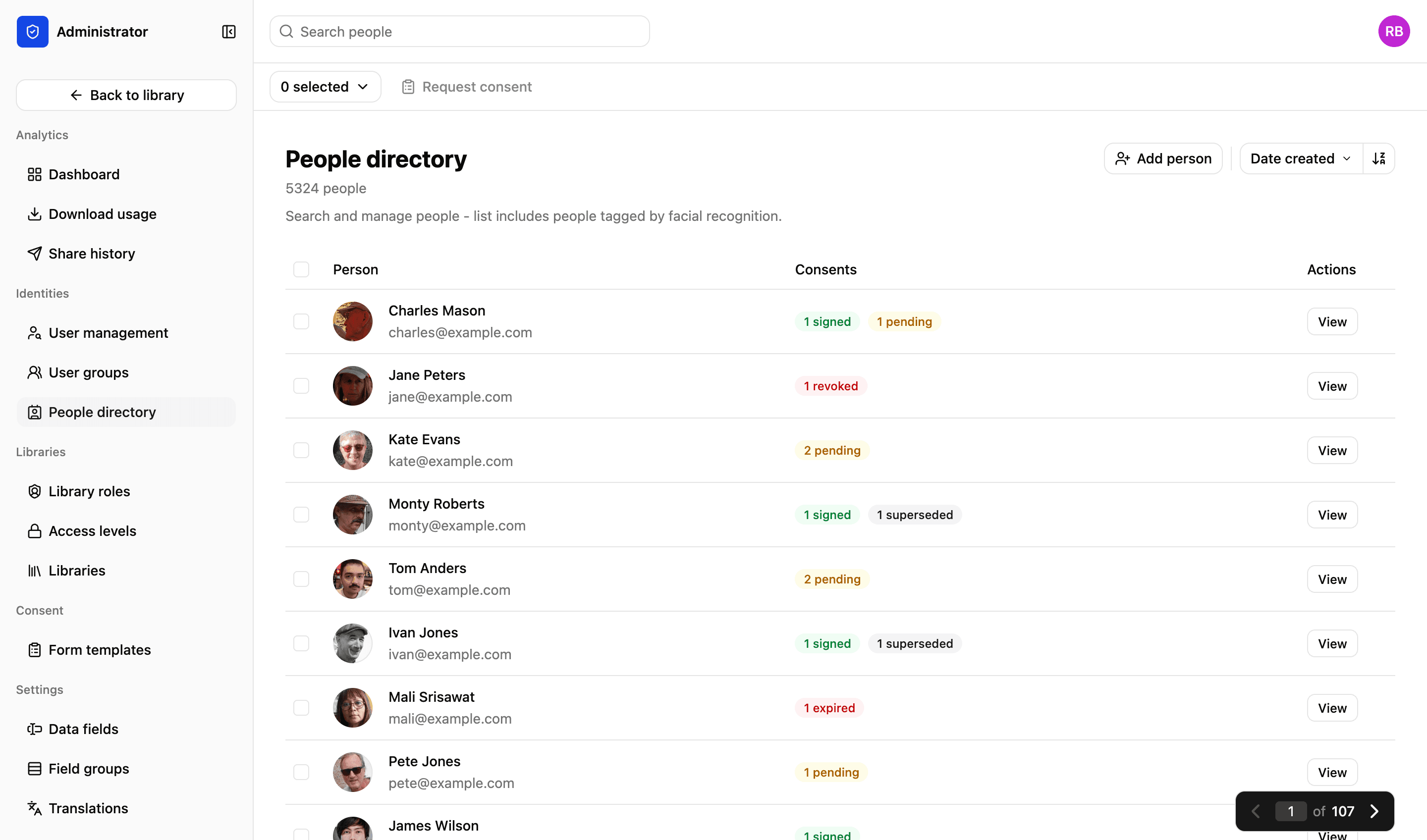
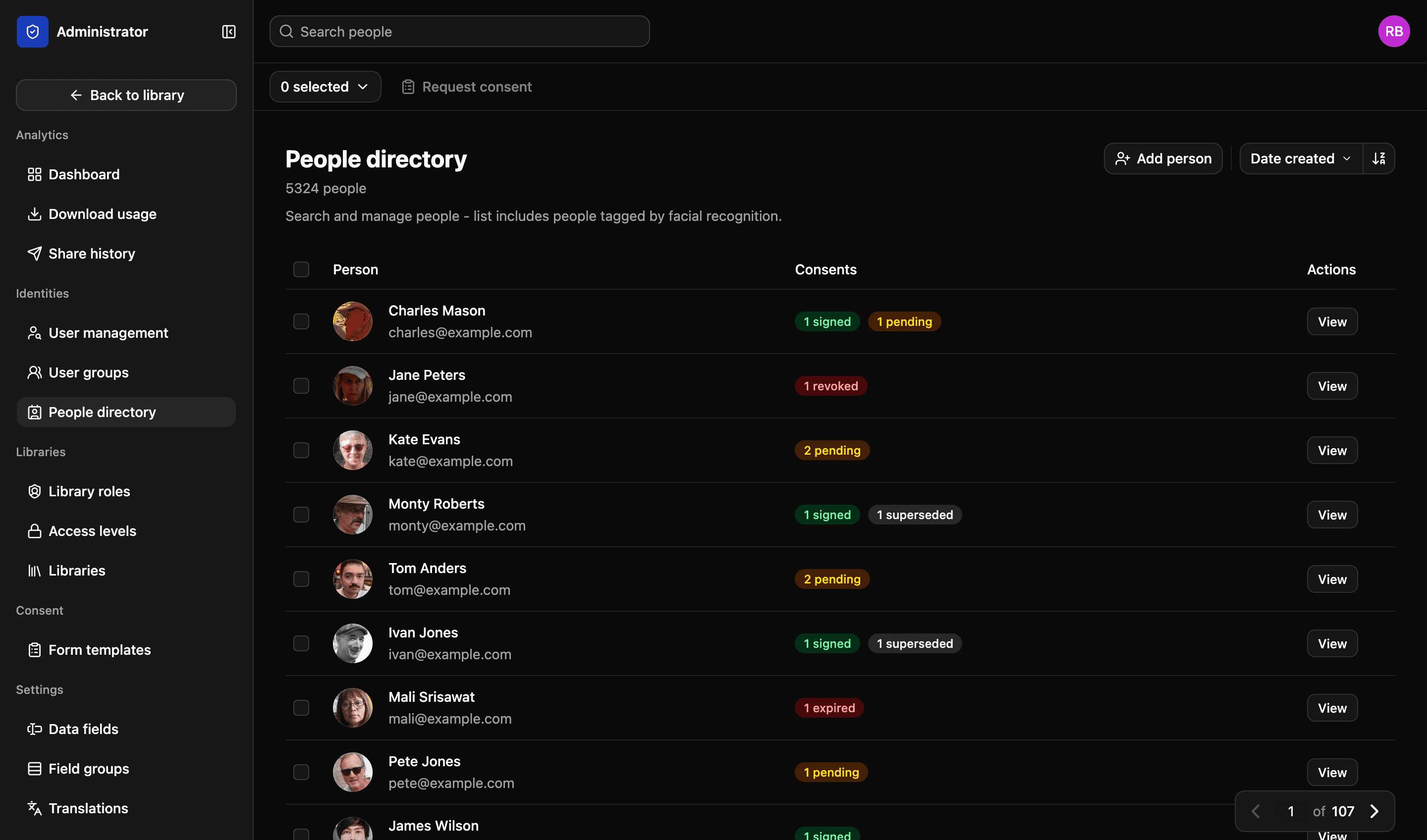
A photograph of somebody is a record about them. The people directory is the other half of the library: who appears in your images, what each of them has agreed to, and who speaks for the ones who are too young to agree for themselves.
How a person gets there
Three routes in, one record
Routes in
A face found in an upload
Facial recognition groups the faces across your library. Name one of them and every photograph of that person is linked, including the ones nobody tagged.
Added by hand
For somebody who needs a record before they appear in a photograph — a new pupil, a case worker, a contributor.
Imported with your data
A list you already keep. Bring it in with your own fields on it and the directory carries them.
Who the request goes to
- An adult
- To them, at the address on their record
- A child with one guardian
- To the guardian, with the relationship shown before you send
- A child with two guardians
- To both. Either can sign, and the record says which of them did
- Nobody on record
- Flagged as missing an address before the batch goes out
The same relationships decide what a parent sees in the portal — their own files, and their children’s, and nothing else from the library.
How the directory is built — not a live record
What the directory holds
Built as your library is uploaded, rather than as a spreadsheet somebody has to keep up to date.
01
Faces found on upload
Facial recognition groups the faces in your images and adds them to the directory. Name somebody once and every photograph of them is linked from then on.
02
One person, all their images
Open a person and see every file they appear in, across the libraries you have access to. That works whether or not anybody tagged them by hand.
03
Guardians and relationships
Record who a guardian is and what the relationship is. Consent requests for a child then go to the right adult automatically.
04
Your own fields on a person
Add the fields your organisation needs — a school, a role, a case number — and filter the directory on them like any other field.
Their own portal
A parent can log in and see the photographs of their child
The people in your library have a legitimate interest in what you hold about them, and answering that by email does not scale. A portal gives them a view of exactly the files they or their children are tagged in, and nothing else.
- They see the files tagged with them, and with the children they are guardian to
- The consents they have signed, with what each one covers
- Nothing from the rest of the library is reachable from it
- Turned on per library, so it is your decision rather than a default
More in consent
Creating forms
Create custom consent forms. Save multiple templates, define scope, add custom options and pre-fill selected fields.
Read more
Sending forms
Email finalised consent forms to one or multiple recipients. They get a link and a QR code, and can sign from their phone.
Read more
Consent records
Always know exactly what someone agreed to. And prevent mistakes, with consent checked at the moment somebody tries to download a file.
Read more
Proof and audit trail
Final signed consent forms are protected using a unique hash, which guards against tampering and proves whether a file has been modified.
Read more
Next step
We’d love to explain more…
Still got questions? Curious to see LightRocket in action? Want to know more about pricing?
We’re always happy to show off our system and, yes, we’ll even help out with discounts and pricing.