

Digital asset management
One library per team, office or region
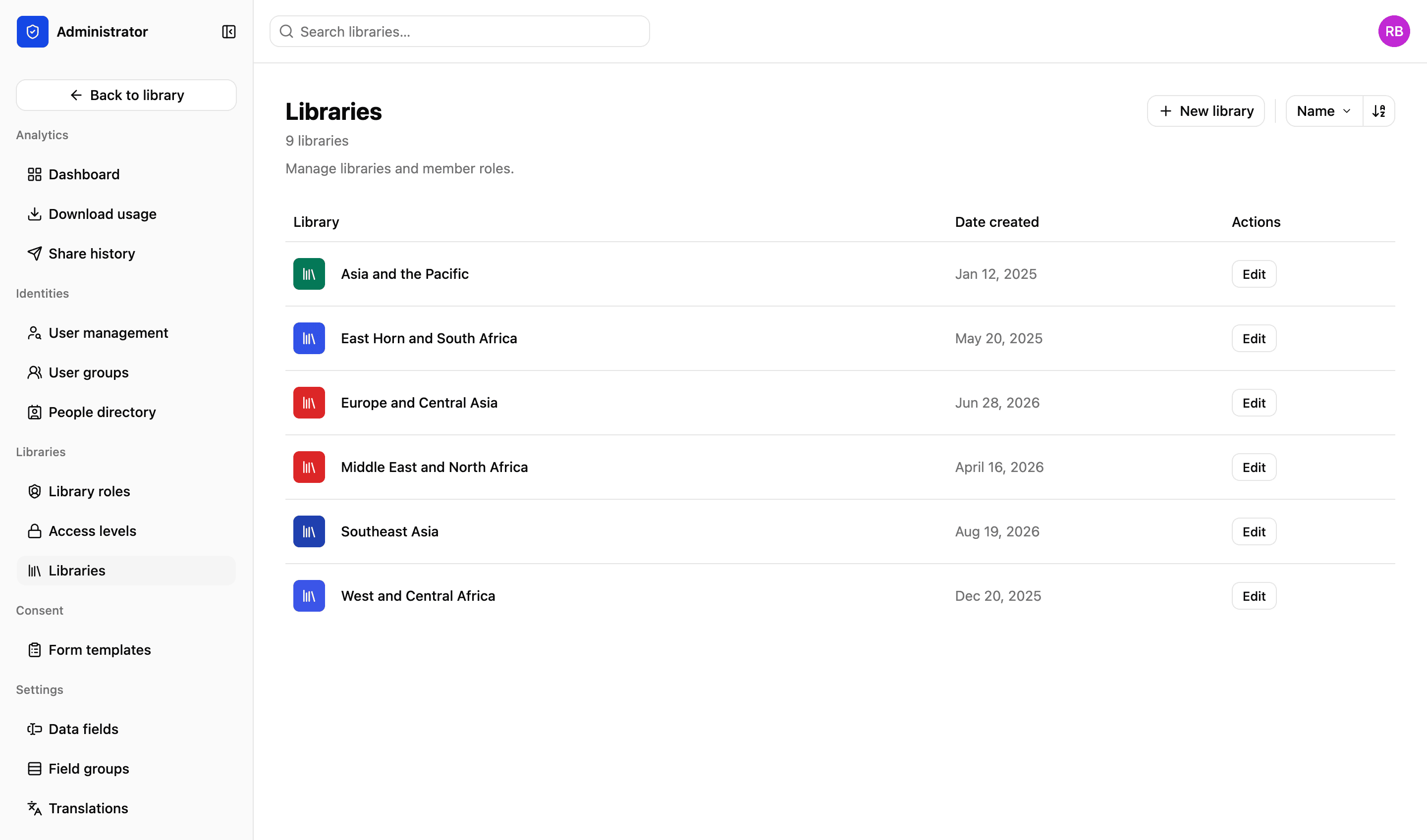
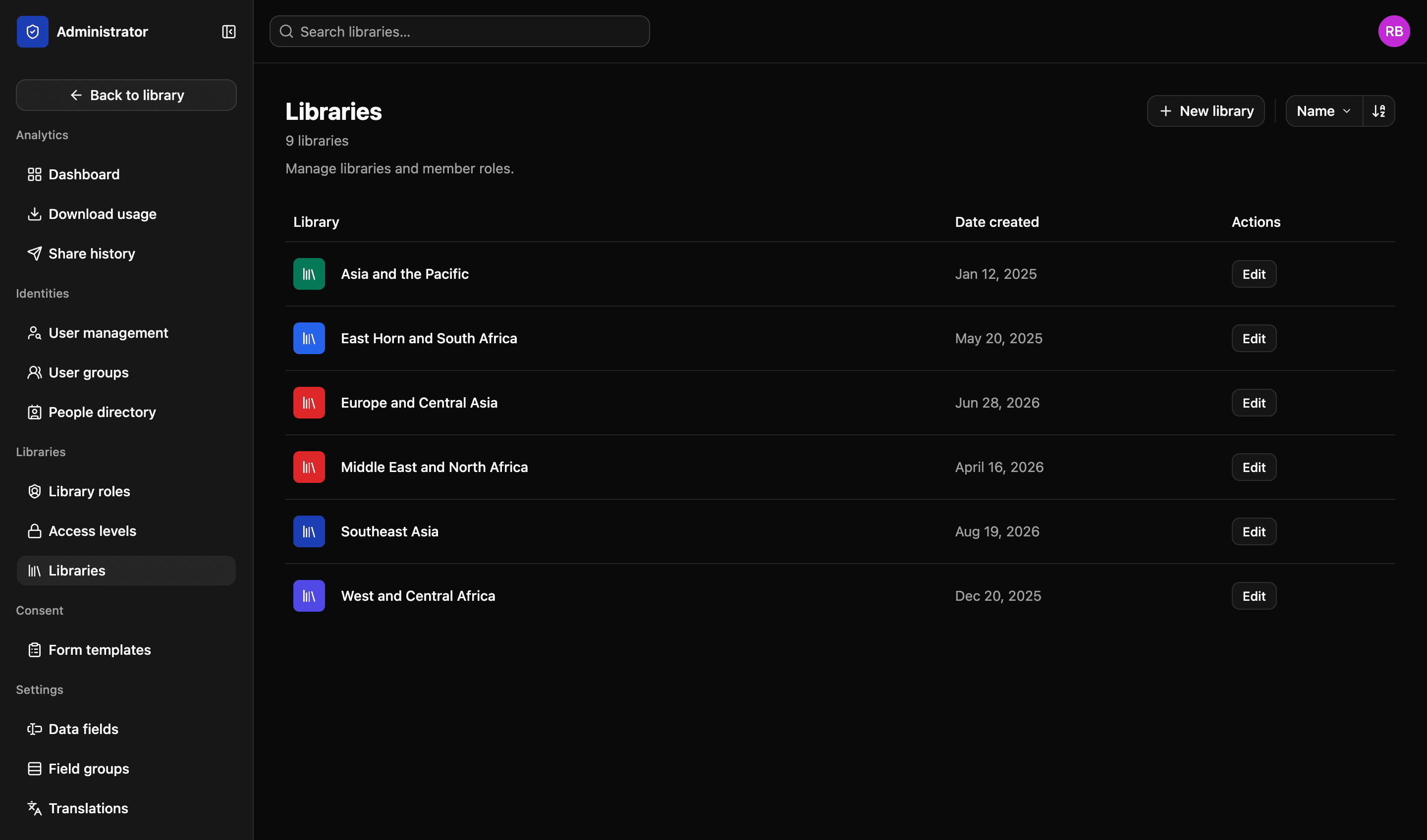
Most organisations don't have one archive. They have several that need to stay apart — by department, by country, by who is allowed to see what. Give each its own library, and let the people who need everything search across all of them at once.
Library members
3 members
Rukayat Mensah
User
Manager
Picture desk
Group
Editor
Léa Fontaine
User
Contributor
Illustrative example
What a library holds
A library is a whole environment, not a folder with a label on it.
01
Its own assets
A file belongs to one library. It does not appear in another one unless somebody puts it there on purpose.
02
Its own drive and folders
One drive per library, with folders nested as deep as the work needs. The structure your team already has, kept rather than redesigned.
03
Its own collections
Gather files from anywhere in the library into a collection — a shoot, a campaign, a set of work to show someone.
04
Its own people
Add someone to a library and give them a role in it. The same person can be a manager in one library and a viewer in the next.
Favourites
Pin the things you open every day
A library that has grown to six figures is only as useful as the routes into it. Favourite whatever you keep coming back to and it sits in the sidebar, whichever library you happen to be in.
- Favourite a search, and it re-runs each time you open it
- Favourite a collection, a workspace or a folder
- The list follows you rather than the library you are looking at
More in the platform
Upload and file-drop
Uploads that resume when a browser dies, and file-drop links that let someone outside your organisation upload to a specific library, workspace or collection.
Read more
Search and filters
Search across one or all your libraries. Find files using standard and custom filters. Use facial recognition to find pictures of people.
Read more
Workspaces
A collaborative space for your projects. Invite individuals or groups. Assign specific permissions — view, edit or comment. You decide.
Read more
Sharing files
Send files using private expiring links. Set download limits, resize files and add custom watermarks and information to protect your content.
Read more
Permissions and access
Set access on a file or a collection, build custom roles to match your organisation’s exact needs and decide what each one can do.
Read more
Admin and reporting
Storage, users, activity, uploads and downloads on one easy-to-read dashboard, and a record of who did what with each file.
Read more
API and integrations
We migrate your existing library and connect the platform to what you already run. A REST API lets you build your own portal on top of it.
Read more
Next step
We’d love to explain more…
Still got questions? Curious to see LightRocket in action? Want to know more about pricing?
We’re always happy to show off our system and, yes, we’ll even help out with discounts and pricing.