

Consent management
Create forms and define what they cover
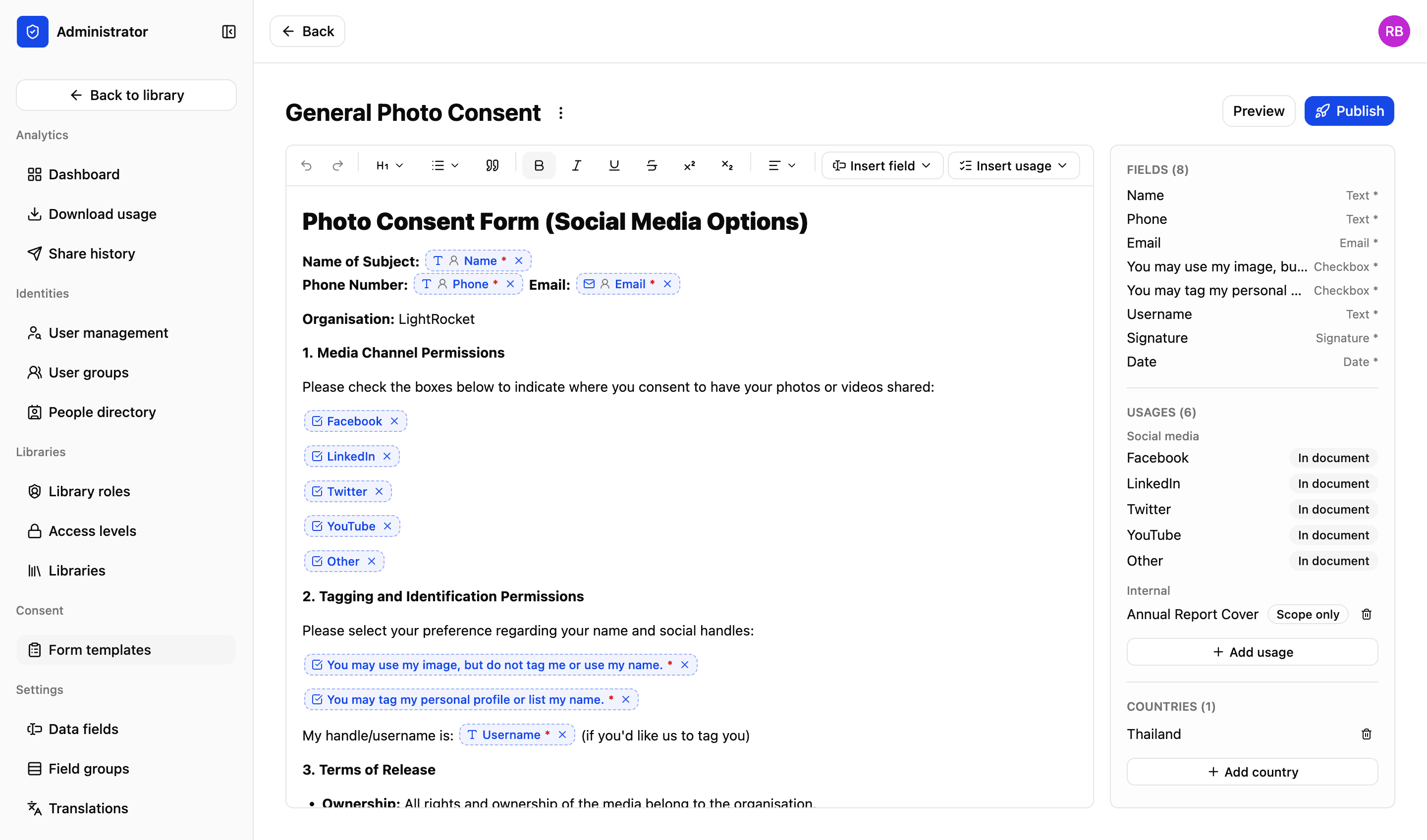
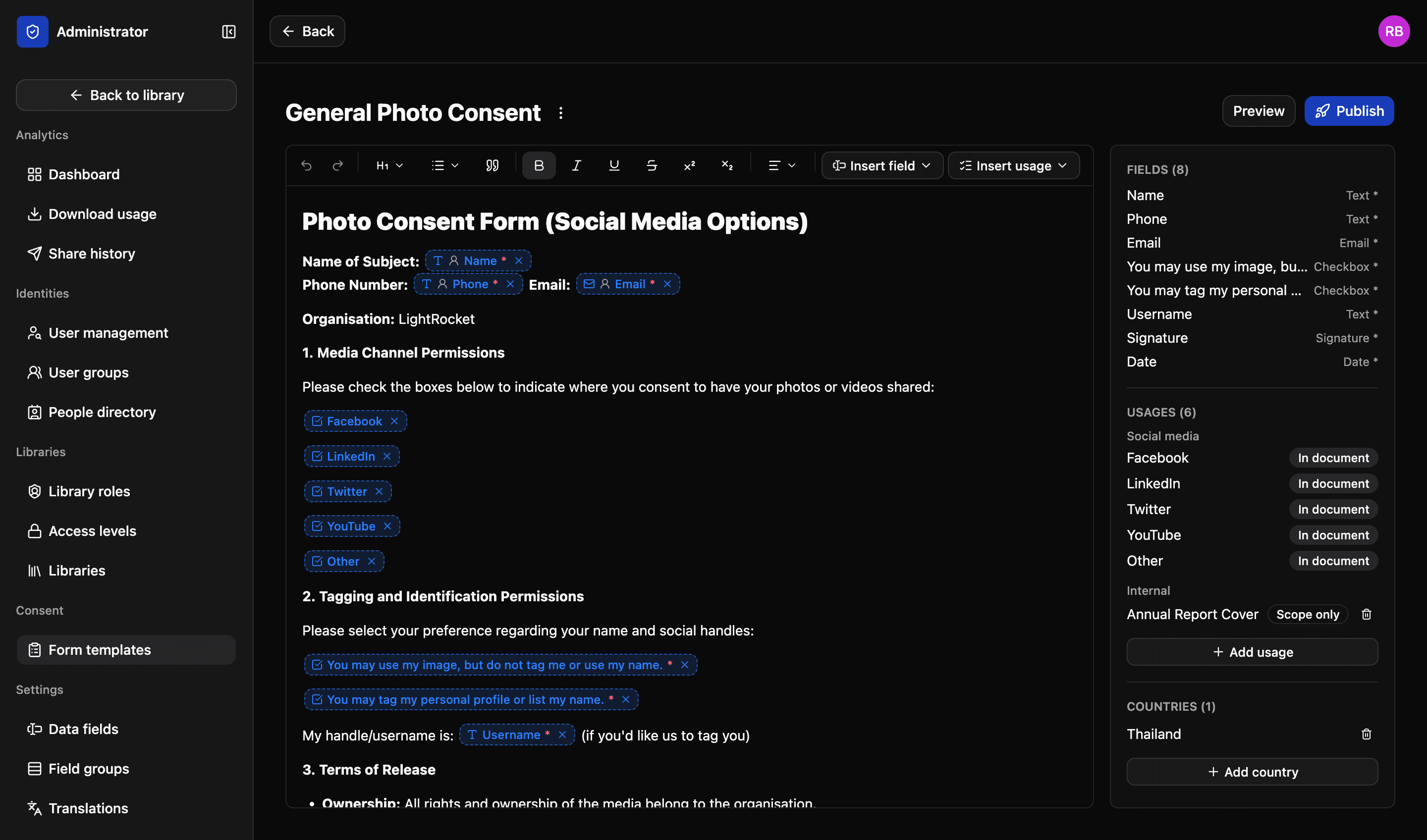
Consent form management is often messy and manual. PDFs squirreled away on hard drives, reliant on the memory of your staff. Not with LightRocket. Create custom forms directly in the platform – add fields and define scope. The result is a tamper proof legal document that’s securely stored and easy to access.
Field types
What you can drop into the wording
Scroll sideways for the prefill column
| Field | What the signer does | Arrives prefilled |
|---|---|---|
| Text | Types a value — a name, a school, a case number | From their record |
| Date | Picks a date from a calendar | Today's date |
| Dropdown | Chooses one of the options you set | From their record |
| Checkbox | Ticks to agree to a statement | Cannot be prefilled |
| Signature | Signs with a finger or a mouse | Cannot be prefilled |
A field that can prefill still shows the person what it filled in before they sign. Leave it empty instead and they complete it themselves — it is set per field, not per form.
Every field type, on every plan
Structured consent forms
Four key elements, inserted where they belong directly in the form rather than appended to the end of it.
01
Fields, in the wording
A name, a date, a checkbox, a signature box. Put each one where it reads properly — "I, ______, hereby consent" — and mark which are required.
02
The signer chooses
Social media, print, a website, an annual report. Each usage you insert becomes a box in the document, so the person can agree to some and not others.
03
Countries it applies in
Add the countries the consent covers. An image cleared for Thailand and not for the UK is a thing the platform knows, not something somebody has to remember.
04
Draft away
Preview a template as the signer will see it, and publish when you're ready. A draft can be edited freely and cannot be sent to anybody by accident.
Prefill
Forms can be pre-filled from your database
Creating consent forms on LightRocket gives you the freedom to decide what information to pull from your database and which fields to leave blank for the recipient to complete. Pre-filling makes it easier and quicker for recipients to return their forms, which increases sign rates.
- Fields prefill from the details already held on that person
- Or leave a field for manual entry, and they type it themselves
- A prefilled value is still shown to them before they sign it
- The same template works either way — it is set per field, not per form
More in consent
Sending forms
Email finalised consent forms to one or multiple recipients. They get a link and a QR code, and can sign from their phone.
Read more
People directory
Everyone who appears in your library, with faces found in your photographs added to them automatically.
Read more
Consent records
Always know exactly what someone agreed to. And prevent mistakes, with consent checked at the moment somebody tries to download a file.
Read more
Proof and audit trail
Final signed consent forms are protected using a unique hash, which guards against tampering and proves whether a file has been modified.
Read more
We’d love to explain more…
Still got questions?
Curious to see LightRocket in action? Want to know more about pricing? We’re always happy to show off our system and, yes, we’ll even help out with discounts and pricing.