

Digital asset management
Uploads that survive a crash
Uploads are a vital bridge into your library. Big files, slow connections and wobbly browsers are the realities LightRocket was designed for. If there is a glitch, your uploads will pick up where they left off. So a dropped session costs you the last few megabytes rather than the whole morning.
Upload queue
4 files · 1.9 GB
IMG_4821.CR3
412 MB · Complete
final_selects.zip
1.2 GB · Resumed after a browser crash
contact_sheet.tif
320 MB · Uploading
field_notes.pdf
2 MB · Queued
Illustrative example
How upload works
The difference matters most on exactly the files you care about most — the big ones.
01
Chunked
Files are transferred in parts. A part that fails retries on its own instead of taking the whole file down with it.
02
Resumable
Lost connection. Crashed browser. No problem. The upload resumes from the last part that finished.
03
Parallel
Chunks go up alongside each other, which is bandwidth efficient and speedy.
04
Targeted
Choose a target destination (folders, collections workspaces). Files land where you need them.
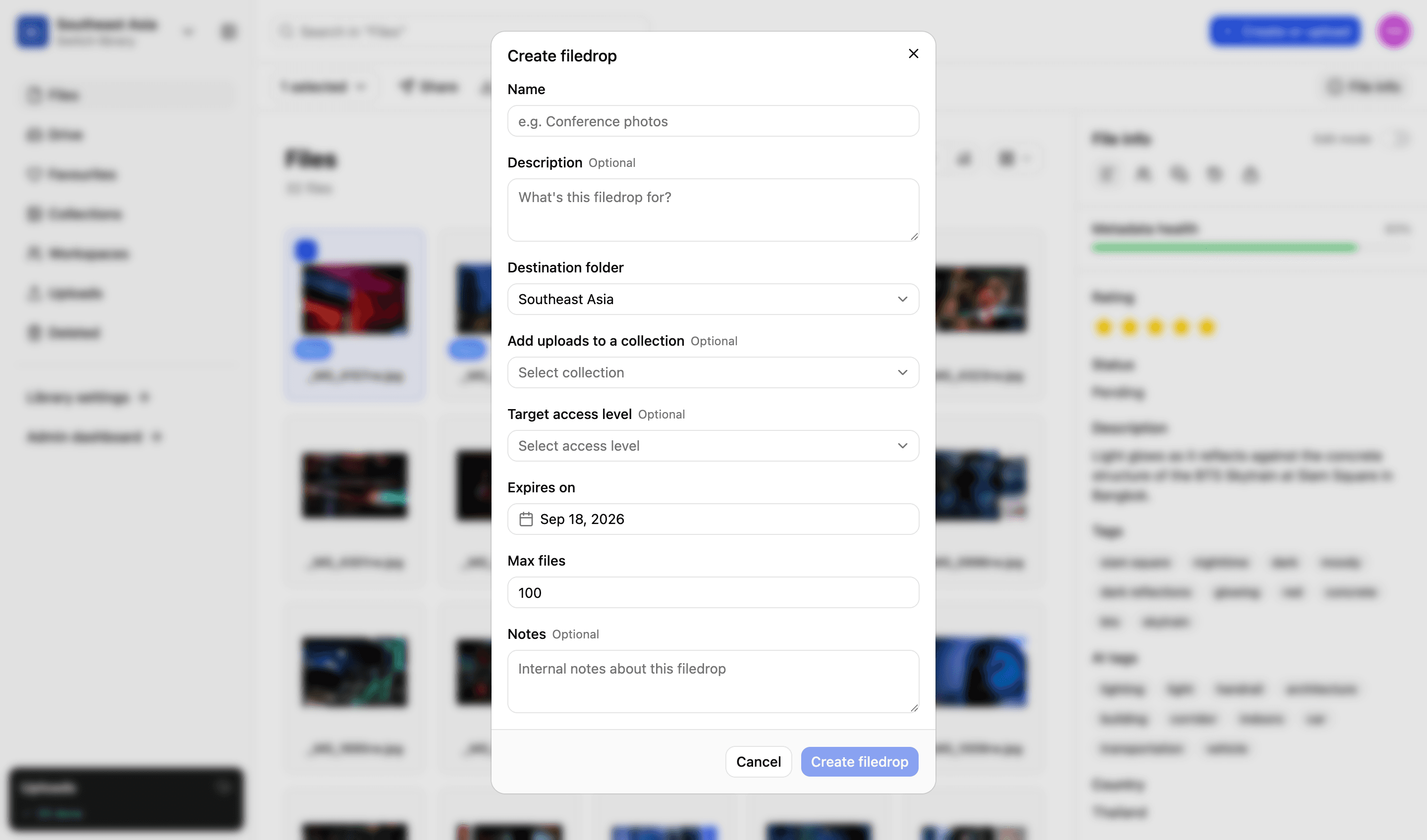
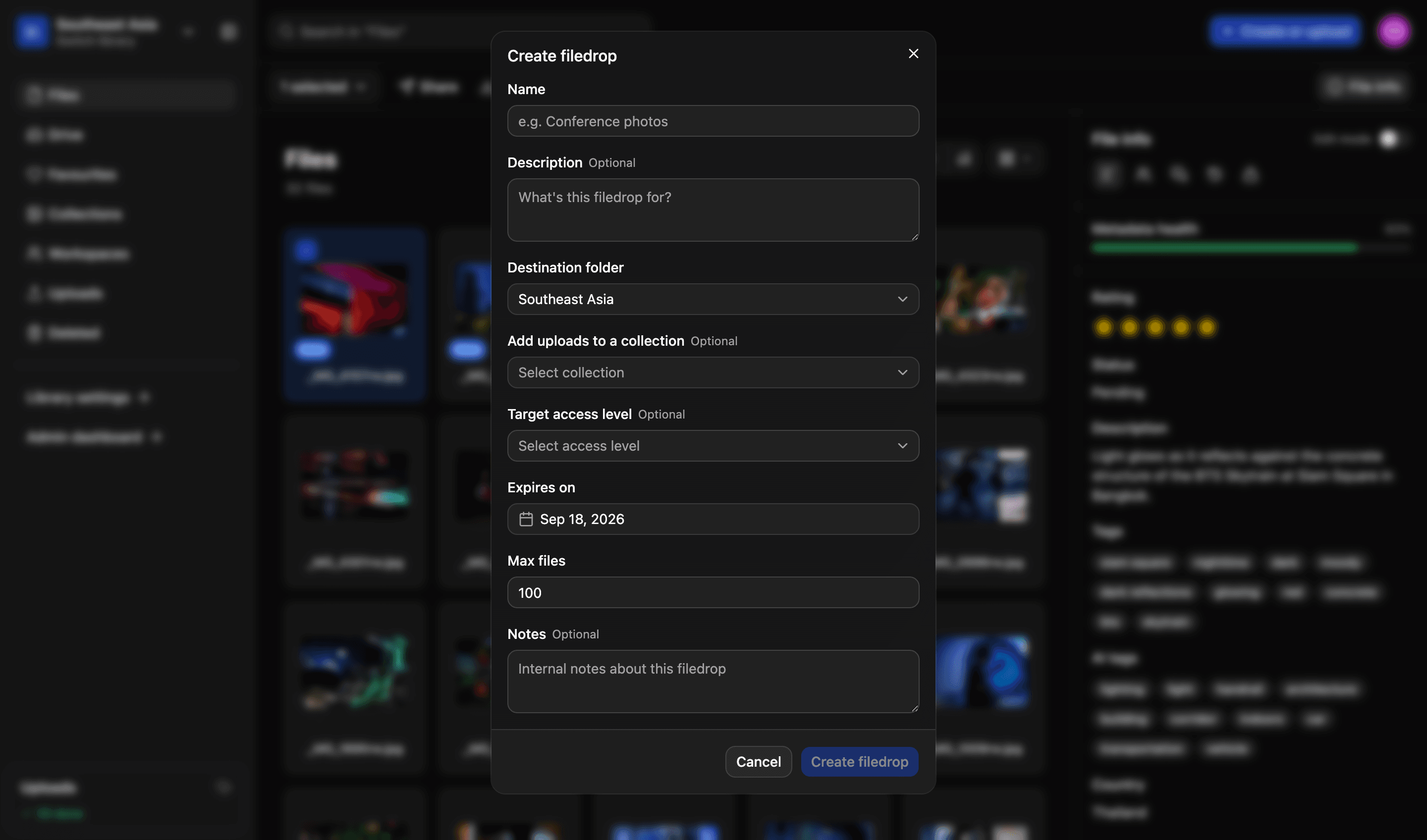
File drop
Anyone can send you files
Photographers, agencies, colleagues at a partner organisation — people who need to give you files but should never have a login. Send them a file drop link and what they upload arrives in the library you chose, with the limits you set when you made it.
- A link, not an account. Nothing for them to sign up to or install
- Files land in the library you picked when you created the drop
- Set an expiry date, and a cap on how many files can come through it
- Resumable uploads, so a contributor on a hotel connection can still file
More in the platform
Libraries and folders
Run as many libraries as you have teams, offices or regions. Each gets its own drive, its own folders and its own people.
Read more
Search and filters
Search across one or all your libraries. Find files using standard and custom filters. Use facial recognition to find pictures of people.
Read more
Workspaces
A collaborative space for your projects. Invite individuals or groups. Assign specific permissions — view, edit or comment. You decide.
Read more
Sharing files
Send files using private expiring links. Set download limits, resize files and add custom watermarks and information to protect your content.
Read more
Permissions and access
Set access on a file or a collection, build custom roles to match your organisation’s exact needs and decide what each one can do.
Read more
Admin and reporting
Storage, users, activity, uploads and downloads on one easy-to-read dashboard, and a record of who did what with each file.
Read more
API and integrations
We migrate your existing library and connect the platform to what you already run. A REST API lets you build your own portal on top of it.
Read more
We’d love to explain more…
Still got questions?
Curious to see LightRocket in action? Want to know more about pricing? We’re always happy to show off our system and, yes, we’ll even help out with discounts and pricing.