

Consent management
Send consent forms to multiple recipients instantly
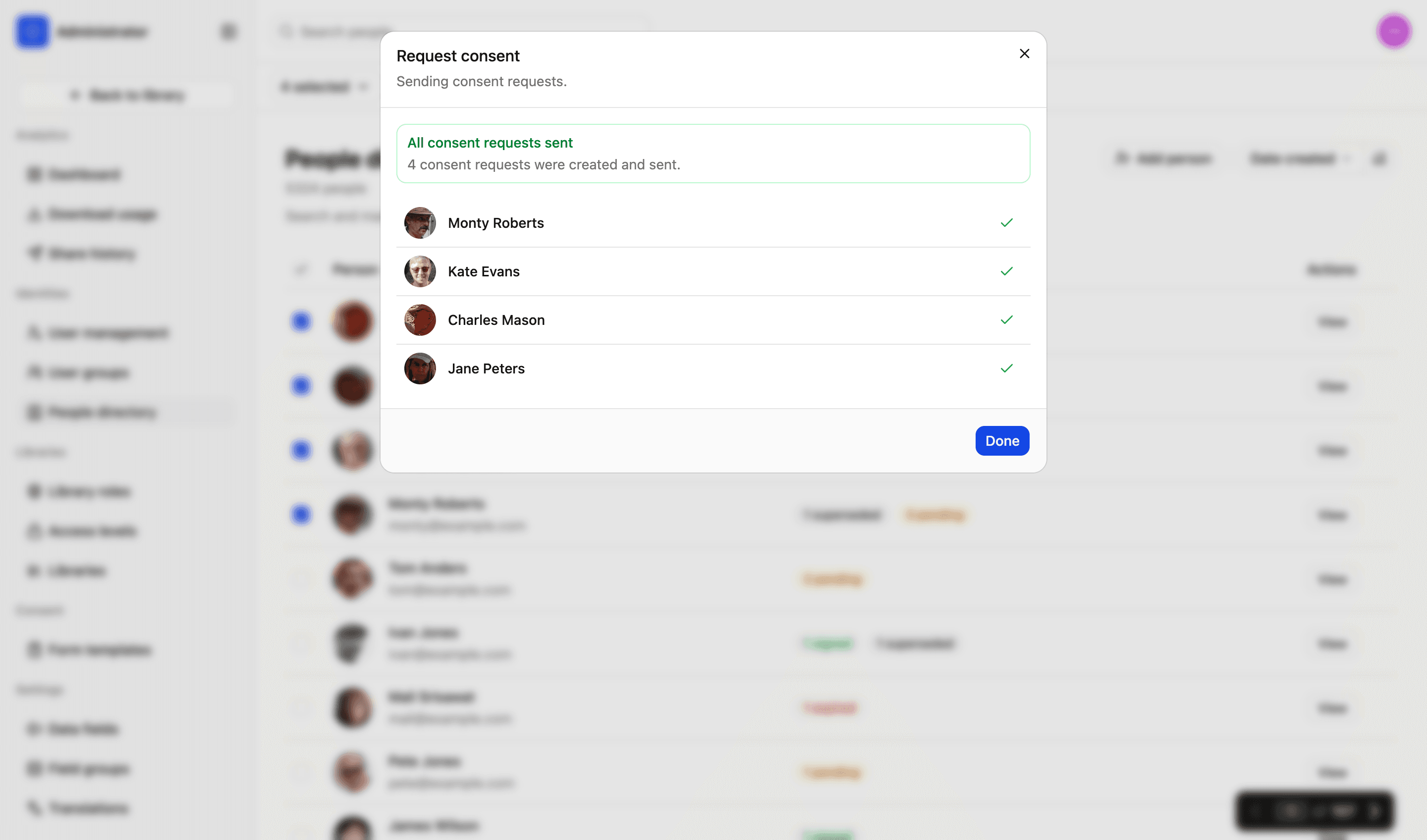
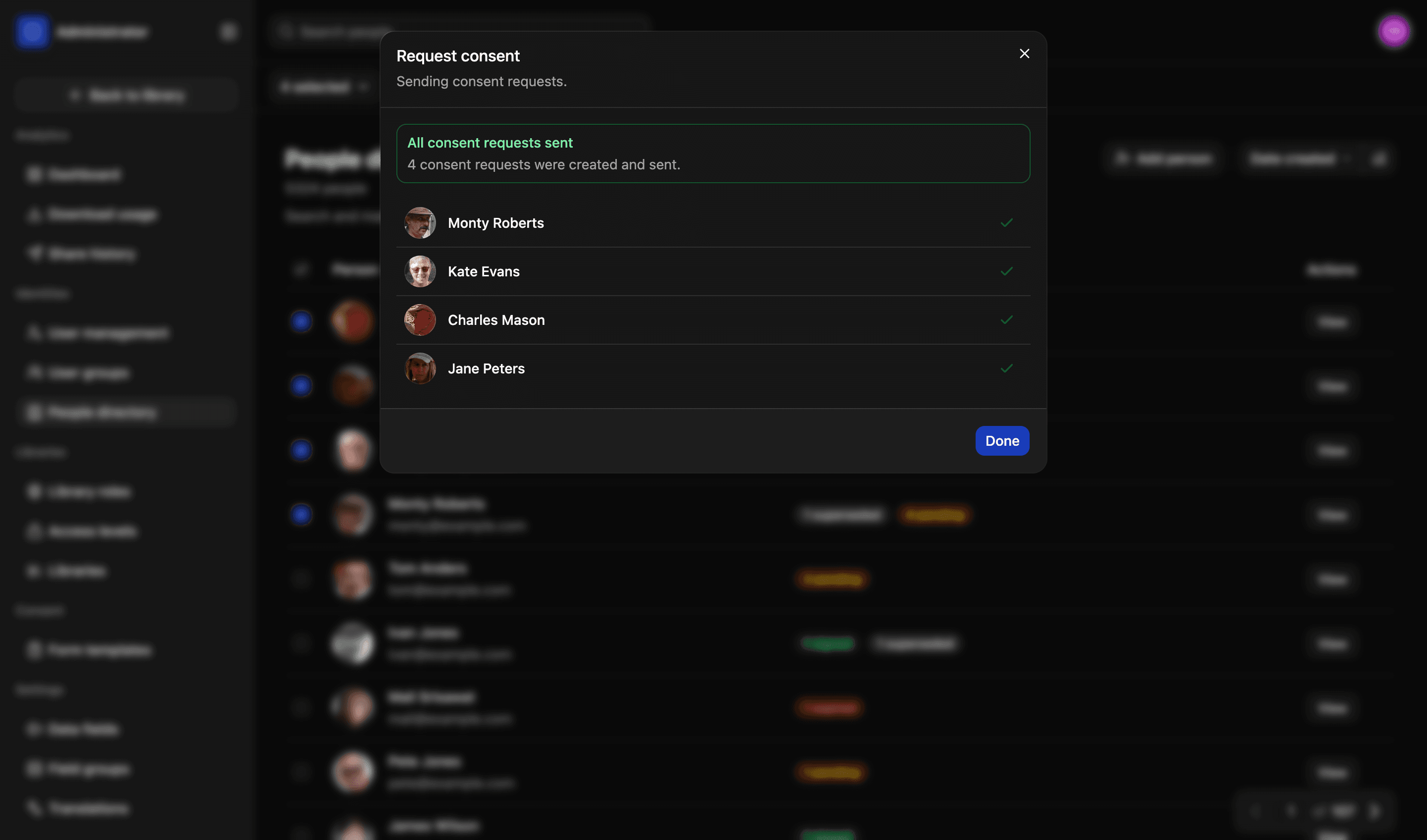
Most organisations still deal with consent manually. It’s slow and innefficient. With LightRocket, you can instantly send to an entire batch of parents, or to everyone involved in a shoot. Each recipient gets their own link. And signed forms connect directly to their record. It’s fast, efficient and secure.
One request, end to end
Sent to signed, typically the same day
- SentOne link per person, by email or as a QR code. A request for a child goes to the guardian on record.
- OpenedThey see the document as you wrote it, on whatever device they have. No account, nothing to install.
- SignedFields completed, usages ticked, signature captured. They can download their copy straight away.
- RecordedA snapshot and a hash land on their record in the directory, and the file checks against it from then on.
The steps a request goes through — not a live record
Consent form workflow
Integrate with your DB. See warnings where emails are missing. Send forms as batches in a format that is tamperproof and easy to complete.
01
People directory
Select recipients from the people directory. Everyone you choose keeps their own copy of the form and their own record of what they signed.
02
Alerts before you send
Anybody without an email address is flagged in the list. Add one there and then, or deselect everyone with a warning in a single action.
03
Guardians for children
Where a person has a guardian on record, the request goes to the guardian, with the relationship shown so you can see who is signing for whom.
04
A link, or a QR code
Email the link, or show the code and let somebody scan it off a screen or a printed sheet. Useful when you are in a room with the people you need consent from.
Signing
What the recipient sees
A single document showing the fields to complete and a placeholder for signing. It works on a phone, it needs no account, and it tells them plainly what they are agreeing to before they sign.
- The wording as you wrote it, with the usages as boxes they tick
- Signed with a finger on a phone or a mouse on a laptop
- A copy to download the moment it is signed, as a PDF
- Nothing to install, and no login to create
More in consent
Creating forms
Create custom consent forms. Save multiple templates, define scope, add custom options and pre-fill selected fields.
Read more
People directory
Everyone who appears in your library, with faces found in your photographs added to them automatically.
Read more
Consent records
Always know exactly what someone agreed to. And prevent mistakes, with consent checked at the moment somebody tries to download a file.
Read more
Proof and audit trail
Final signed consent forms are protected using a unique hash, which guards against tampering and proves whether a file has been modified.
Read more
We’d love to explain more…
Still got questions?
Curious to see LightRocket in action? Want to know more about pricing? We’re always happy to show off our system and, yes, we’ll even help out with discounts and pricing.