

Consent management
Check consent for every person and every download
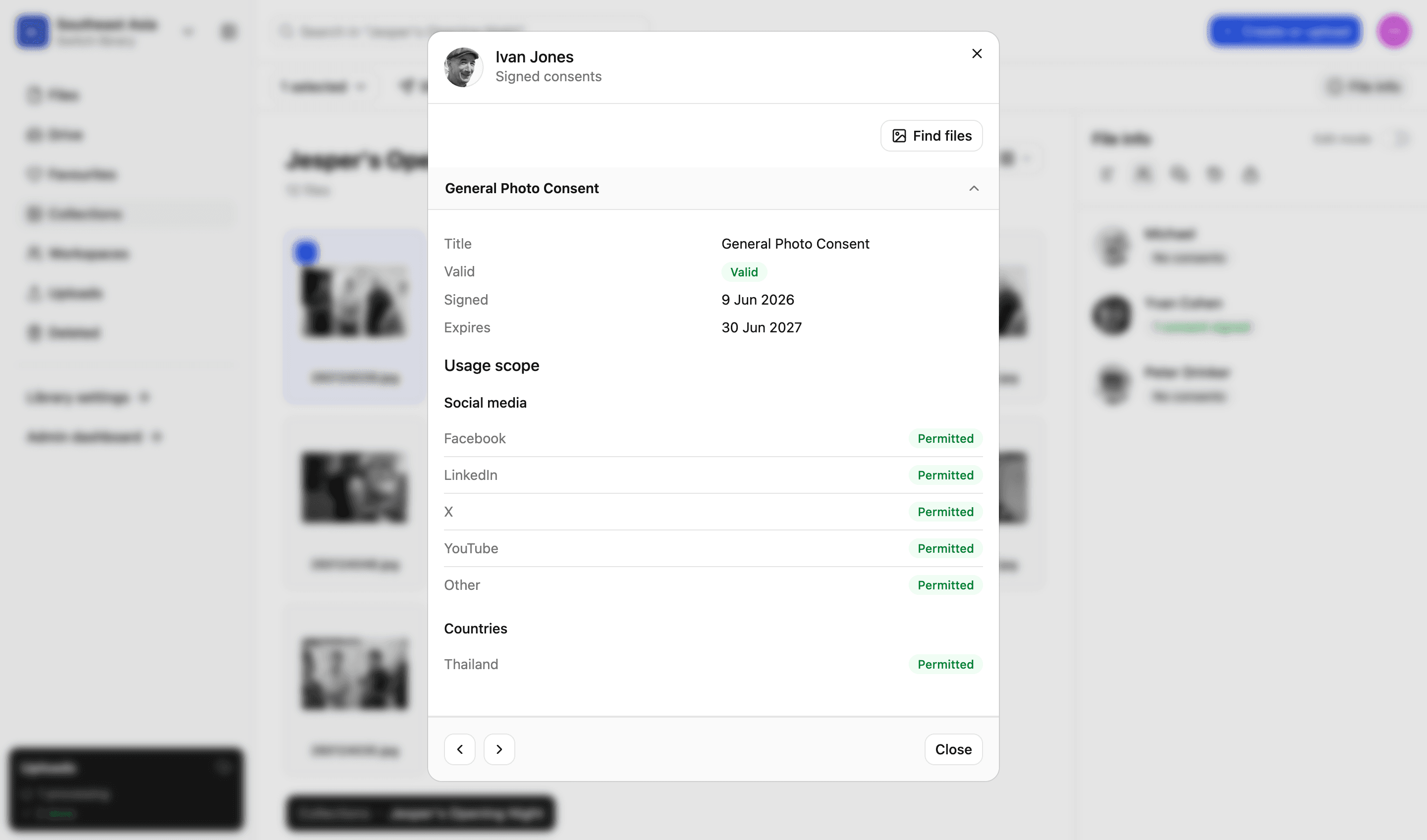
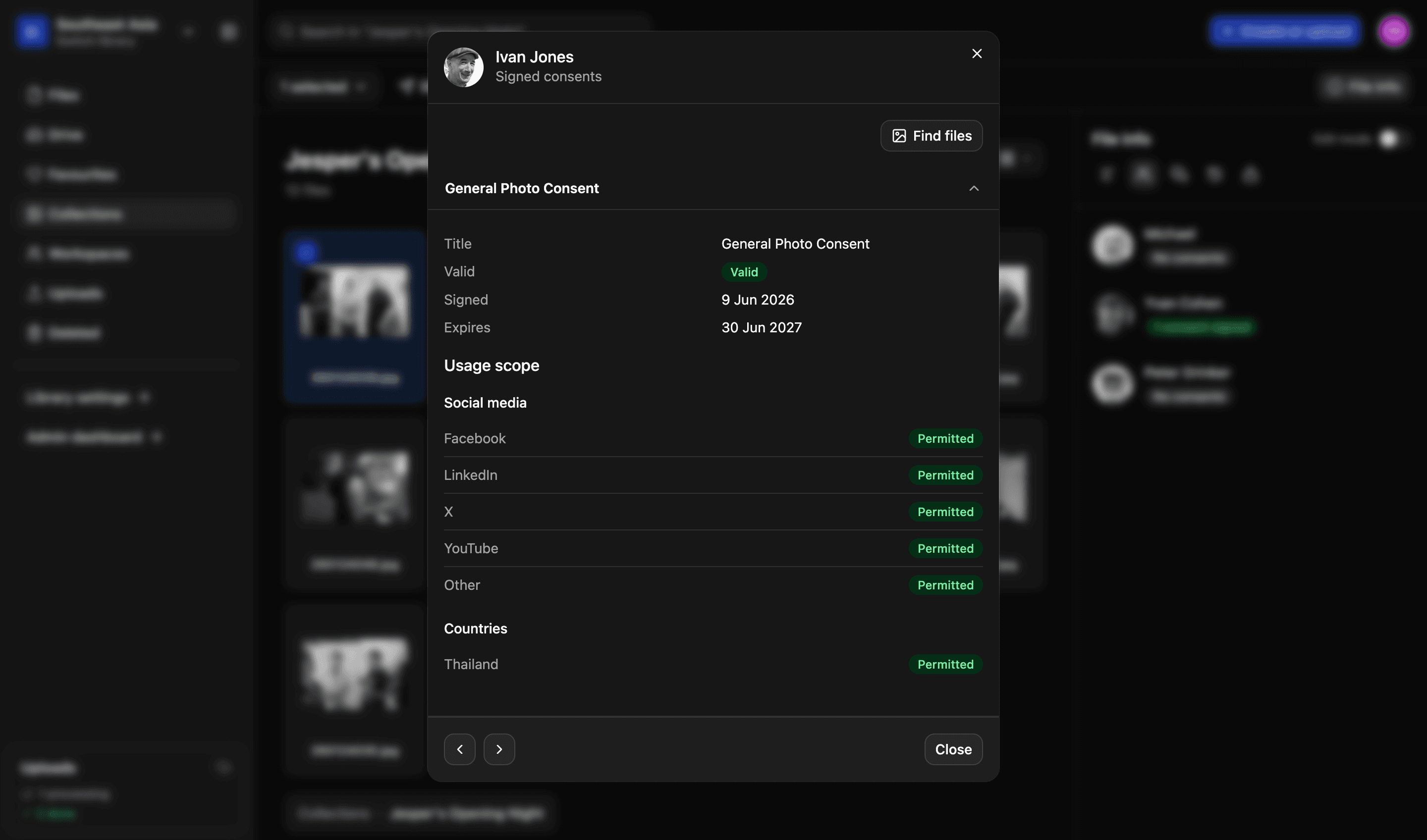
Check the status and scope of consent for every person in every file. By stopping accidental mis-use, LightRocket ensures administrators and those depicted in their libraries are safe and legally compliant.
States of a consent
One of four, at any moment
Valid
Downloads allowedSigned, and today is inside its dates
For the usages and countries ticked
Expired
Downloads blockedPast the expiry date on the form
Stops on the expiry date, not when somebody notices
Revoked
Downloads blockedWithdrawn by the person who signed it
Stops from the moment it is withdrawn
Superseded
Downloads blockedReplaced by a newer form from the same person
The newer consent applies; this one is kept as history
Only the first of these lets a download through
Every detail of every consent
Being able to answer essential questions isn't a convenience, it's a requirement. Four examples of questions instantly answered.
01
What they agreed
Verify the usages ticked on the consent form - "yes" to Facebook and LinkedIn but "no" to print, or whatever the person actually chose.
02
Where it applies
Check which countries the consent covers. An image cleared for one territory and not another isn't a detail, it's essential information.
03
How long it lasts
Check when consent was signed, when it expires, and whether it is valid right now. LightRocket gives you key consent data in real-time.
04
What replaced it
If a consent form is revoked it stops applying. If it's superseded by a newer form both are kept, so the audit trail is always there.
Download check
Match intended use with the scope permitted in consent
Never risk mis-using a file again. Select files for download, pick your intended usage and let LightRocket check the real-time consent status of every person depicted. You’ll see which people are covered, and who hasn’t given the consent you need. It’s safe and easy.
- Covered and not covered, shown per file and per usage
- Expand a file to see each person in it and what they agreed to
- Deselect everything with a problem in one action
- A count of how many of the selected files are fully consented
More in consent
Creating forms
Create custom consent forms. Save multiple templates, define scope, add custom options and pre-fill selected fields.
Read more
Sending forms
Email finalised consent forms to one or multiple recipients. They get a link and a QR code, and can sign from their phone.
Read more
People directory
Everyone who appears in your library, with faces found in your photographs added to them automatically.
Read more
Proof and audit trail
Final signed consent forms are protected using a unique hash, which guards against tampering and proves whether a file has been modified.
Read more
We’d love to explain more…
Still got questions?
Curious to see LightRocket in action? Want to know more about pricing? We’re always happy to show off our system and, yes, we’ll even help out with discounts and pricing.