

Digital asset management
Connect it to what you already run
A media library that sits apart from everything else ends up disconnected. We help migrate your existing files, connect the platform to the systems your organisation already depends on, and where there is no integration there is a REST API and someone to help you use it.
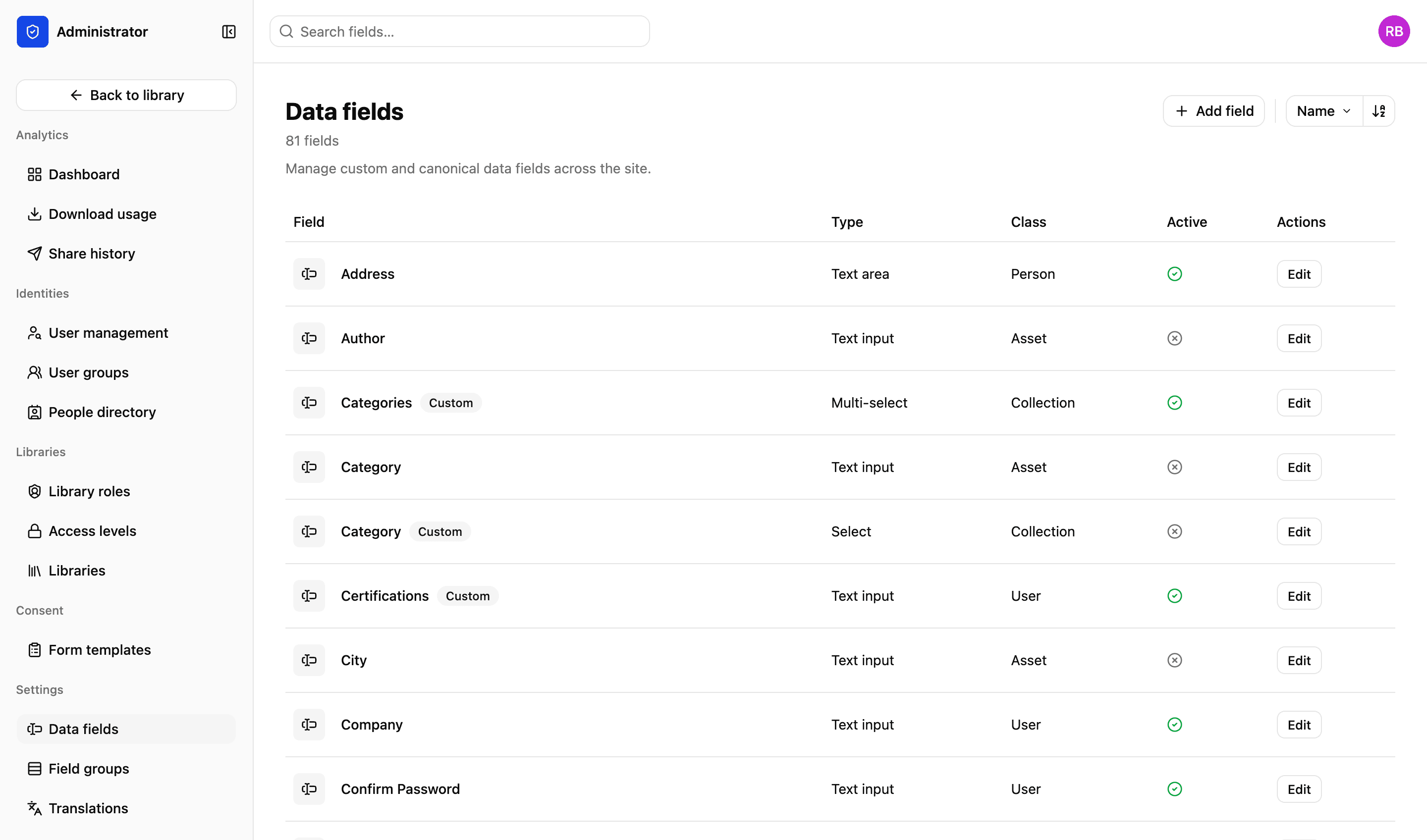
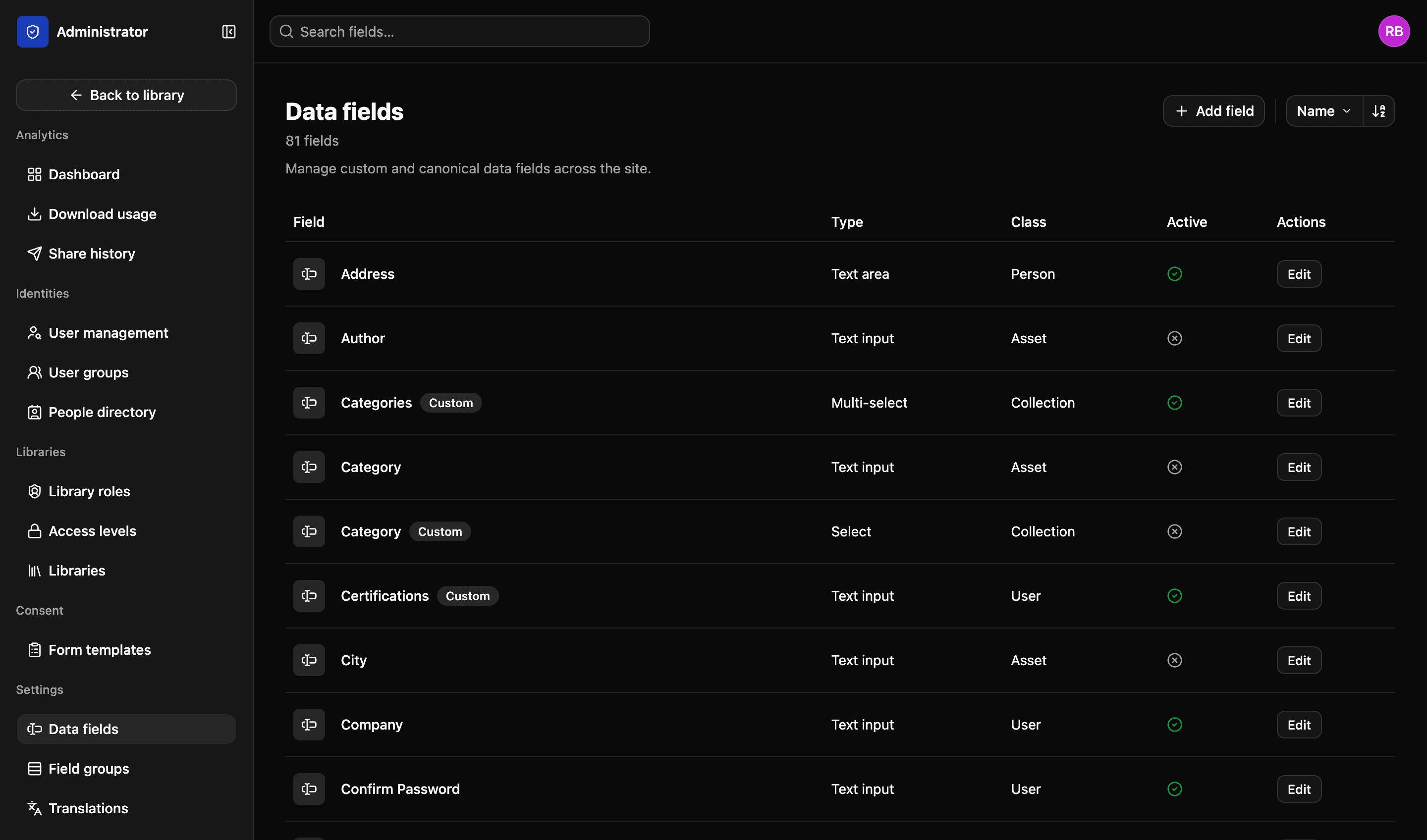
Migration and integration
Setup · Global communications
What comes across
- Files
- Originals, at full resolution
- Folder structure
- As your team already has it
- Keywords and captions
- Kept with the file they describe
What it connects to
- iSAMS
- School management
- Veracross
- School management
- Your own systems
- Anything with an API
Illustrative example
How it fits your organisation
The hard part of a new system is rarely the system. It is the migration, the integrations, and the training nobody has time for.
01
We do the migration
Your existing library comes across with its folder structure, keywords and captions intact. Our experienced team makes migrations easy.
02
Smooth integrations
iSAMS, Veracross, and anything else with an API. The library should fit around the stack you have rather than the other way round.
03
REST API
Query the library from your own code, and get back what you asked for in a form you can use. It's exactly how modern software should be.
04
Help building it
Integration work is something we do with you. You are not handed a key and a URL. Our team is with you every step of the way.
REST API
Build your own front end
Some organisations want the library to be invisible — a public gallery, an intranet page, a partner site that looks like theirs rather than like ours. Our APIs let you do exactly that, with LightRocket doing the storage, the permissions and the consent behind it.
- Query the library from your own code
- Run a public gallery, an intranet page or a partner site on top of it
- We help you build it rather than handing you a key and a URL
More in the platform
Libraries and folders
Run as many libraries as you have teams, offices or regions. Each gets its own drive, its own folders and its own people.
Read more
Upload and file-drop
Uploads that resume when a browser dies, and file-drop links that let someone outside your organisation upload to a specific library, workspace or collection.
Read more
Search and filters
Search across one or all your libraries. Find files using standard and custom filters. Use facial recognition to find pictures of people.
Read more
Workspaces
A collaborative space for your projects. Invite individuals or groups. Assign specific permissions — view, edit or comment. You decide.
Read more
Sharing files
Send files using private expiring links. Set download limits, resize files and add custom watermarks and information to protect your content.
Read more
Permissions and access
Set access on a file or a collection, build custom roles to match your organisation’s exact needs and decide what each one can do.
Read more
Admin and reporting
Storage, users, activity, uploads and downloads on one easy-to-read dashboard, and a record of who did what with each file.
Read more
We’d love to explain more…
Still got questions?
Curious to see LightRocket in action? Want to know more about pricing? We’re always happy to show off our system and, yes, we’ll even help out with discounts and pricing.